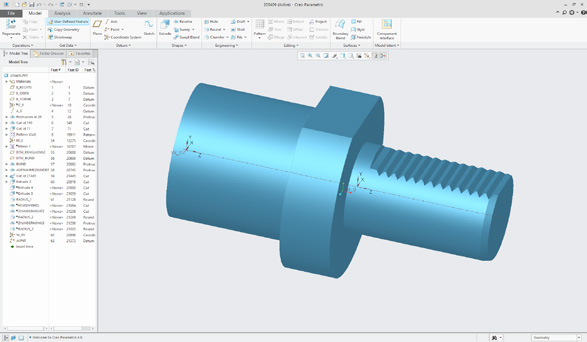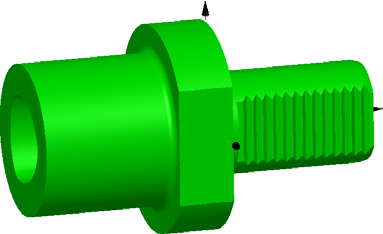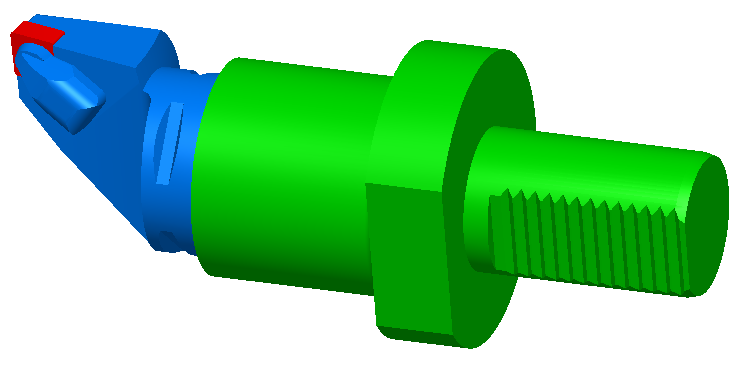
To cope with today’s highly complex machine tools and machining processes, an increasing number of companies are turning to end-to-end 3D CAD/CAM solutions. In most cases, the tools and fixtures used have to be created redundantly across the various systems: the tool database, the CAM system and the simulation software.
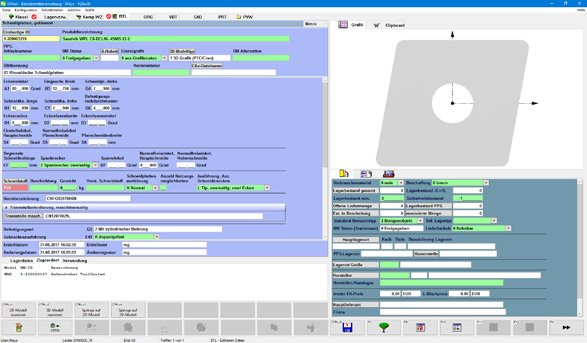
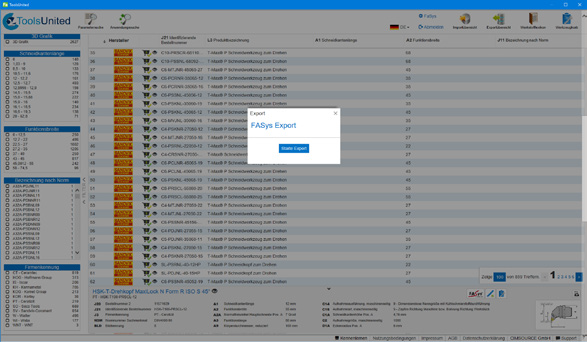
This is where FATool’s 3D tool and equipment management sets new standards. FATool utilises existing CAD systems for the 3D design of tools and fixtures and transfers these, linked to the necessary technical parameters, directly to CAM systems or simulation programmes. A single definition for all systems involved!
NC Project Management
Support for various CAM systems
Modern CAM systems can generate multiple set-ups – and thus NC programmes – from a single source programme. FASys NC Management meets this requirement and, for this data organisation, links two attribute bars: the source file management for the source file and, via a 1:N relationship, the NC programmes in the NC management module.
- Centralised management of NC documents and data
- Integrated direct CAM interface to various NC programming systems
- Management of raw parts and fixtures possible
NC Programme Management
Transparency for Production
NC Programme Management is the solution for the centralised management of NC documents and data, as well as all related information required by staff and for DNC operations.
- Generation of bills of materials at the touch of a button
- The status of tools and programmes is updated automatically
- Checking in and out of files, tools, cutting data and graphics
- Comparison between the original programme and the programme modified on the machine
Warehouse and Test Equipment Management
An efficient method of managing inventory
Integrated warehouse module for managing physically available assets. Complete tool sets, jigs, etc. are also managed as assemblies within the warehouse, resulting in a significant reduction in the number of transactions.
- Distinction between bulk and individual items
- Picking warehouse movements in the FASys system
- Integrated history function
- Organisation of orders and stocktaking
- Direct connection to warehouse systems (Paternoster systems or cabinets)
- Integration of barcode scanners / PDAs for posting and picking
- Processing of messages from automatic tool dispensers
- Checking the completeness of resources used in an NC programme
- ERP interface for the transfer and import of stock transactions or master data
- Purchase orders are triggered when stock falls below the minimum level